SEO & Local Search
How to Optimize Google Business Profile for Restaurants

By Daniel Ruiz, former NYC chef July 2026 14 min read
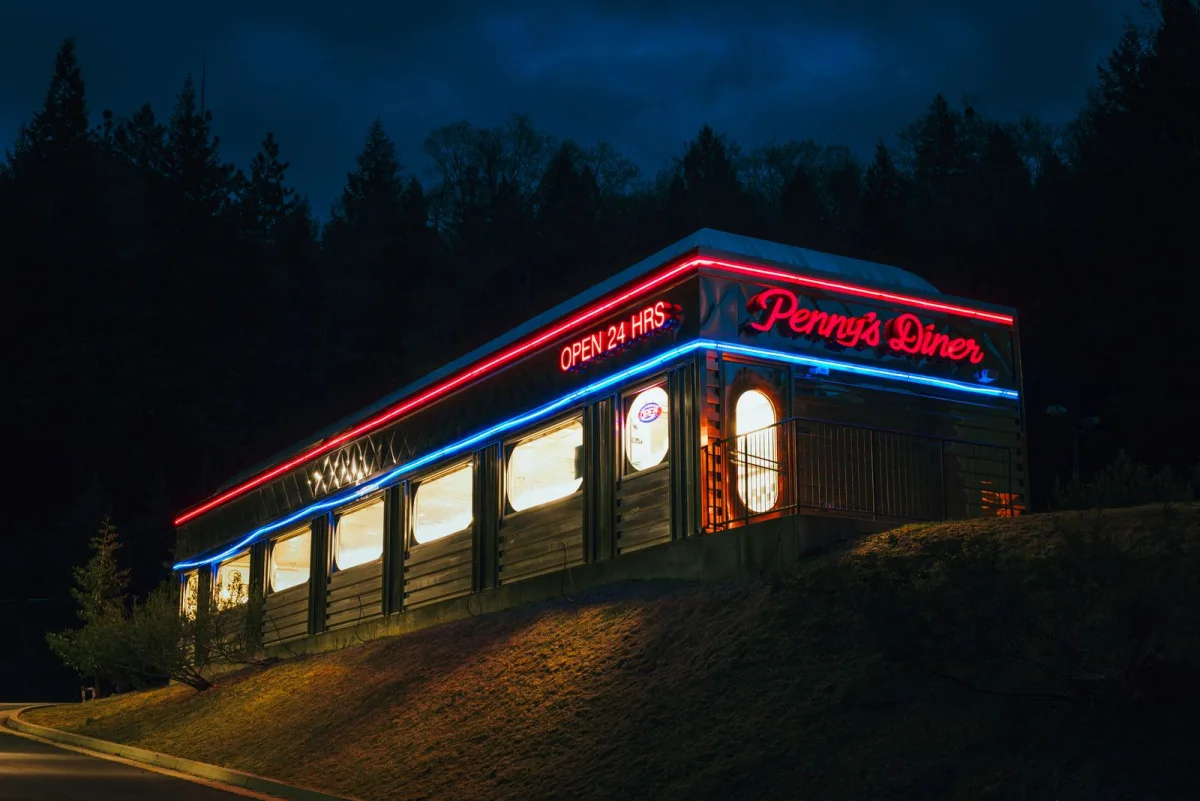
To optimize a Google Business Profile for restaurants, claim and verify the profile, set the exact primary category (like “Restaurant” or “Italian restaurant”), fill in every field, upload your menu and real photos, keep hours accurate, and steadily earn and reply to reviews. Your Google Business Profile (formerly Google My Business, or GMB) is the free listing that decides whether hungry locals find you on Google Search and Maps, so a complete, active profile is the single highest-return thing most restaurants can do in local SEO.
I spent over a decade in kitchens before I did this work, and I can tell you the profile is where the “who’s open near me right now” decision quietly gets made, long before anyone sees your website. This guide walks every part of it in the order that matters, from claiming the profile to the photos, menu, reviews, and the ranking factors Google actually uses. Work through it top to bottom and you’ll have a profile that competes with anyone on your street.
Want the quick version? Jump to the optimization checklist ↓
What is a Google Business Profile for restaurants?
Your Google Business Profile is the free listing that shows up when someone Googles your restaurant or searches for a place to eat nearby. It’s that panel with your name, hours, photos, menu, reviews, and a map pin, on Search and on Google Maps. If you’ve ever searched “pizza near me” and seen a little pack of three restaurants with star ratings above the regular results, that pack is built entirely from Google Business Profiles.
One naming note so nothing trips you up: Google Business Profile is the same thing as Google My Business. Google renamed it (Google My Business, or GMB, was the old name) and retired the separate app, so today you manage everything straight from Google Search and Maps. If you set up a “Google My Business for restaurants” listing years ago, that’s your Google Business Profile now. Same profile, new name.
Why your profile beats your website for getting found
Here’s the thing that surprises operators: for a restaurant, your Google Business Profile is more important than your website for getting discovered. Not for telling your story or taking a booking, your site wins there, but for the raw moment of being found by someone hungry and nearby, the profile does the heavy lifting. Most “restaurants near me” and “best tacos in [town]” searches get answered right on Google, in the map pack, without the searcher ever clicking through to a website.
That’s why fixing your profile is the fastest win in local SEO. A website overhaul takes months to move rankings. Cleaning up a neglected restaurant Google Business Profile can lift your visibility in a couple of weeks, because you’re handing Google exactly the fresh, accurate information it wants to show. It’s free, it’s fast, and it sits in front of people at the exact second they’re deciding where to eat. If you do one thing from this guide, get the profile fully dialed in.
How Google decides which restaurants to show
Before the tactics, understand what Google is actually grading, because every optimization below maps back to it. Google says local ranking comes down to three things, and for restaurants they play out like this:
Relevance
How well your profile matches the search. The right primary category, a menu, dish keywords, and complete info tell Google you’re exactly what the diner is looking for.
Distance
How close you are to the searcher. You can’t move your building, but an accurate pin, address, and service area make sure Google places you where you really are.
Prominence
How well-known and trusted you are. Review quantity and quality, activity, and mentions of your restaurant across the web all feed this. It’s the lever you build over time.
You can’t change distance, and prominence is a slow build. So the fastest gains come from relevance, and relevance is almost entirely within your control: category, menu, photos, and complete, accurate fields. That’s where most of this guide focuses, and it’s the same foundation behind everything in restaurant SEO more broadly.

Step 1: Claim and verify your profile
You can’t optimize what you don’t control, so the first move is claiming the profile. Search your restaurant’s name on Google. If a profile already exists (Google often auto-creates one from public info), look for a “Claim this business” or “Own this business?” link. If nothing exists, create one at google.com/business. Either way you’ll go through verification, usually by video, phone, postcard, or email, to prove you actually run the place.
Two things restaurants get wrong here. First, never create a second profile if one already exists, duplicates split your reviews and confuse Google; claim the existing one instead. Second, don’t let verification stall you, it can take a few days, but nothing else you do counts until you own the profile. Get this done first.
Step 2: Get the category, hours, and basics exactly right
This is the unglamorous part that quietly decides your relevance, so it’s worth doing carefully.
Pick the most specific primary category
Your primary category is one of the strongest ranking signals you have. Don’t just choose “Restaurant” if something more specific fits. If you’re a taqueria, “Mexican restaurant” or “Taco restaurant” tells Google exactly which searches to show you for. Pick the single most accurate primary category, then add secondary categories for the rest of what you do (“Breakfast restaurant,” “Bar,” “Caterer”). Specific beats broad every time.
Make the name, address, and phone match everywhere
Use your real, consistent business name (don’t stuff keywords into it, that’s against Google’s rules and can get you suspended). Your name, address, and phone number should read identically here, on your website, and anywhere else you’re listed. That consistency is a trust signal, and mismatches quietly hurt you.
Nail your hours, including holidays
Nothing costs you a customer faster than a diner driving over on wrong hours. Keep regular hours current, and actually set special hours for holidays, Google prompts you, and a profile that says “open” when you’re closed on Thanksgiving earns a bad first impression and sometimes a bad review. Accurate hours also feed the “open now” filter that a huge share of hungry searches use.
Write the business description
You get 750 characters. Use them to describe your food, your vibe, and what makes you worth a visit, in plain language a diner would use. Work in natural phrases like your cuisine and neighborhood, but write it for a human first. It won’t make or break rankings, but it’s prime space to sell the visit once someone’s looking.
Step 3: Add your menu to Google
For a restaurant, the menu is core content, and adding it is one of the highest-value moves on this list. When you add your menu to your Google Business Profile, every dish name becomes text Google can read and match to searches. Someone hunting for “birria tacos near me” can surface your profile because “birria tacos” is literally on your listed menu. That’s relevance you can’t get any other way.
You can add menu items directly in your profile, and depending on your setup and location, link a menu URL or connect a menu provider. However you do it, get the actual dish names in, not a photo of a menu Google can’t read, and keep it current when the menu changes. A profile with a real, itemized menu simply matches more searches than one without.


Step 4: Photos, the part most restaurants get wrong
Photos are where restaurants leave the most on the table. Great Google Business Profile photos for restaurants do two jobs: they push people to choose you over the listing next door, and they signal an active, real business to Google. A profile with a handful of dark, years-old phone pics loses to the place with bright, current, appetizing ones, every time.
- Upload your own photos, and a lot of them. Cover the food (your best-selling and best-looking dishes), the interior and atmosphere, the exterior and signage so people recognize you from the street, and a shot or two of the team. Real beats stock.
- Make the food look like the food. Bright, in-focus, shot in good light. You don’t need a pro, but you do need to clear the low bar most profiles set. Appetizing photos are the single biggest driver of “which one do I pick” in the map pack.
- Refresh them regularly. Adding new photos every few weeks signals activity, and it keeps a seasonal special or new dish in front of people. Set the best one as your cover and logo.
- Manage customer photos too. Diners will post their own shots. You can’t remove flattering-but-blurry ones, but keeping your own great photos flowing keeps yours front and center.
If your current photos are the weak link, that’s worth fixing before almost anything else, because this is the content diners judge you on in the half-second before they tap.
Step 5: Reviews, your biggest ranking and conversion lever
Reviews do double duty: they’re a major prominence signal for ranking, and they’re what convinces a stranger to walk in. A steady flow of recent, positive reviews is one of the strongest things you can build, and it’s largely a matter of just asking. The mechanics deserve their own playbook, so rather than repeat it here, two pointers:
- Ask, consistently. The restaurants with great review counts aren’t lucky, they’ve built a simple habit of asking happy guests. Here’s the full method to get more Google reviews without being awkward about it.
- Reply to them, all of them. Responding to reviews (the glowing ones and the rough ones) signals an engaged business to Google and to future diners reading along. It’s free prominence and free reputation management. Here’s how to respond to every review, including the bad ones, without making it worse.
Don’t buy reviews or post fake ones, Google is good at catching it and the penalty isn’t worth it. Earn them honestly and reply like a human, and this becomes your most durable advantage on the whole profile.
Want your profile handled by someone who gets restaurants?
Setting the categories, loading the menu and photos, and building a review habit takes time you don’t have between services. If you’d rather have your local search handled, that’s exactly what we do.
Step 6: Turn on ordering, reservations, and posts
Once the core is solid, these features turn a good profile into one that actually books tables and takes orders straight from Google.
Ordering and reservation links
You can add “Order online” and “Reserve a table” actions to your profile so a hungry searcher can act without ever leaving Google. Wherever possible, point “Order online” at your own ordering or a channel you prefer, since Google may auto-populate third-party links you’d rather not feature. Every extra step you remove between “found you” and “placed an order” is money.
Attributes that answer real questions
Fill in attributes: outdoor seating, takeout, delivery, dine-in, wheelchair accessible, good for kids, serves vegetarian, accepts reservations. These feed the filters diners use (“outdoor seating near me”) and answer the questions that decide a visit. They’re quick to set and easy to forget, so run the full list.
Google Posts keep you active
Posts let you push updates straight to your profile: a special, an event, a new seasonal dish, a holiday note. They don’t last forever, but posting every week or two signals an active business and keeps something fresh in front of anyone who lands on your listing. Think of it as the free bulletin board on the highest-traffic page you own.
Every section to optimize, at a glance
Here’s the whole profile in one scannable reference, what to do in each section and why it earns its place. This is the part to screenshot.
| Profile section | What to do | Why it matters |
|---|---|---|
| Primary category | Pick the most specific one that fits (e.g. “Ramen restaurant”) | One of the strongest relevance signals you control |
| Name, address, phone | Real and identical everywhere online | Consistency builds trust; mismatches hurt ranking |
| Hours + special hours | Keep current; set holiday hours when prompted | Feeds “open now” searches; wrong hours lose diners |
| Menu | Add itemized dish names, keep updated | Every dish becomes a searchable keyword match |
| Photos | Many, bright, current: food, interior, exterior, team | Drives the “which one” choice; signals an active business |
| Reviews | Ask consistently; reply to every one | Major prominence signal and conversion driver |
| Ordering / reservations | Add action links, prefer your own channels | Turns a search into an order or booking on the spot |
| Attributes | Set them all (seating, takeout, dietary, access) | Answers diner questions and feeds search filters |
| Google Posts | Post a special or update every week or two | Signals activity and keeps something fresh on your listing |
Google Business Profile optimization checklist
Work down it once to get set up, then the only recurring jobs are photos, reviews, and posts. Fifteen minutes every couple of weeks keeps you ahead of nearly every restaurant on your street, because most of them set the profile up once and never touch it again.
Key takeaways
- Your Google Business Profile (formerly Google My Business) is your #1 tool for getting found by nearby diners, ahead of your website.
- Google ranks on relevance, distance, and prominence, and relevance is the fast, controllable win.
- Category, menu, and photos drive relevance: be specific, itemize the menu, and keep bright current photos flowing.
- Reviews are your biggest lever, both for ranking and for convincing a stranger to walk in. Ask consistently and reply to all of them.
- A profile is a habit, not a task: fifteen minutes every couple of weeks on photos, reviews, and posts keeps you ahead.
Frequently asked questions
Is Google Business Profile the same as Google My Business?
Yes. Google renamed Google My Business (GMB) to Google Business Profile, and retired the separate app. It’s the same free listing that appears on Google Search and Maps; you now manage it directly from Search and Maps. If you set up a Google My Business listing for your restaurant years ago, that’s your Google Business Profile today, same profile, new name.
How do I optimize my restaurant's Google Business Profile?
Claim and verify the profile, then set the most specific primary category, make your name, address, and phone consistent, and keep hours accurate including holidays. Add your full menu with itemized dish names, upload many bright current photos, earn and reply to reviews, and turn on ordering, reservation, and attribute options. Post updates every week or two to signal activity.
Why is my restaurant not showing up on Google Maps?
Usually because the profile isn’t claimed or verified, the category or address is wrong, or the listing is thin and inactive. A duplicate profile can also split your signals. Claim and verify the correct profile, set an accurate category and map pin, complete every field, add photos and a menu, and build reviews, most visibility problems trace back to an incomplete or unverified profile.
How do I add my menu to my Google Business Profile?
In your profile you can add menu items directly, and depending on your location and setup, link a menu URL or connect a menu provider. Enter itemized dish names as text rather than a photo of a menu, since Google can only match searches to text it can read. Keep it updated when your menu changes so it keeps matching what diners search for.
What photos should a restaurant put on Google?
Upload plenty of your own bright, current photos: your best-looking and best-selling dishes, the interior and atmosphere, the exterior and signage so people recognize you from the street, and a shot of the team. Refresh them every few weeks to signal an active business. Good food photos are the single biggest driver of which restaurant a diner picks from the map pack.
Does a Google Business Profile help restaurants get more customers?
Yes, significantly. For most restaurants it’s the top source of discovery, because “restaurants near me” and similar searches are answered right in Google’s map pack, often without a click to any website. A complete, active profile with the right category, a menu, strong photos, and steady reviews puts you in front of hungry locals at the exact moment they’re choosing where to eat.